Mobile App Maintenance: Costs, Priorities, and Schedule
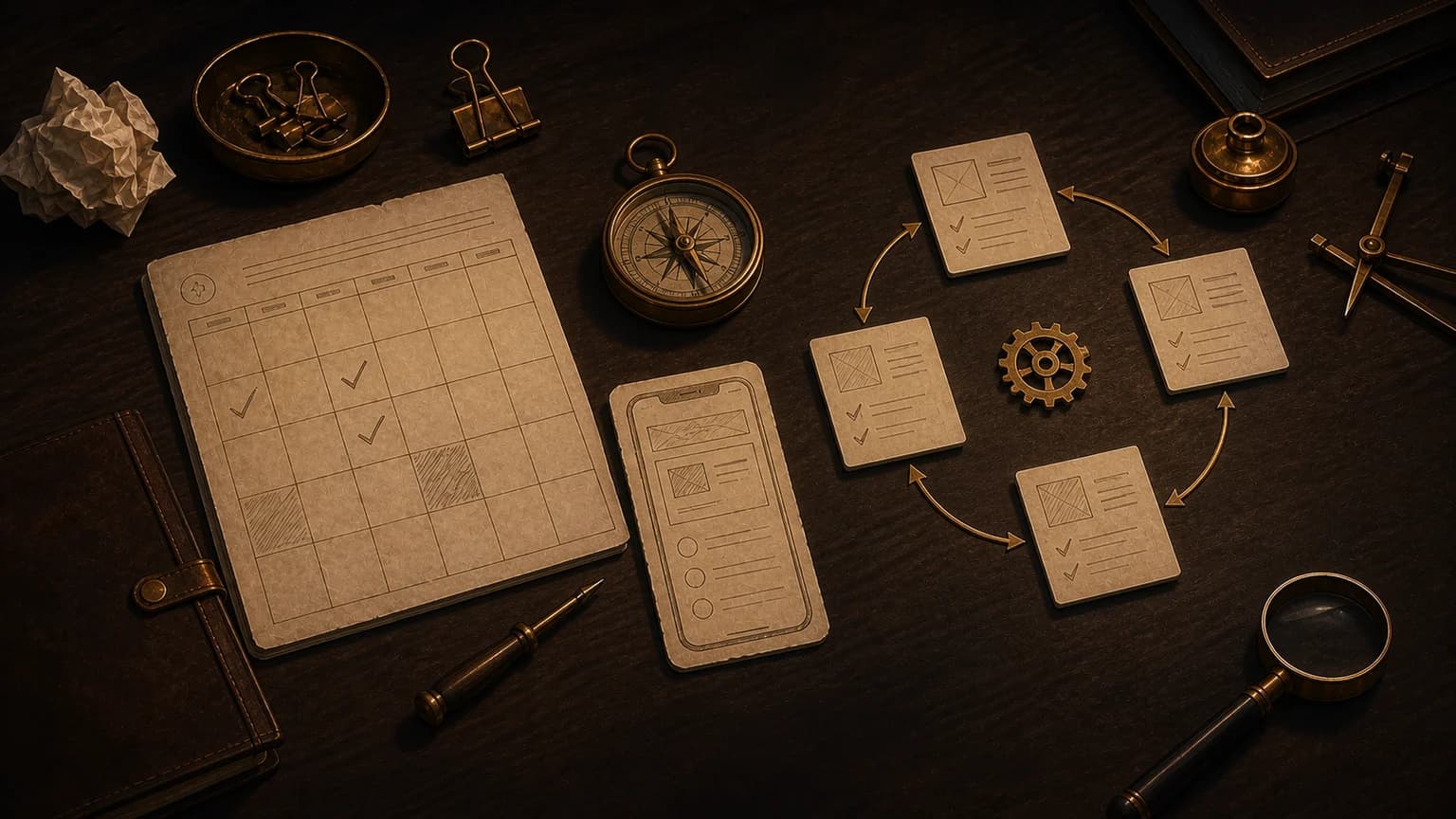
Doved Studio treats maintenance as part of the product, not as an emergency that starts after launch. A useful plan reserves time for incidents, operating-system updates, dependencies, security, support, and improvements that users have validated.
The cost cannot be reduced to one universal percentage of the original build. A stable content app needs different care from a product with payments, sync, sensitive data, connected hardware, or critical availability. Build your plan around your actual risks, architecture, and release cadence.
The short answer
Plan maintenance across four horizons. Triage incidents and feedback every week. Review dependencies, performance, and support evidence every month. Test critical journeys against major iOS and Android releases. Decide which validated improvements belong on the roadmap every quarter.
| Work | Trigger | Expected result |
|---|---|---|
| Urgent fix | Crash, data loss, payment failure, or security risk | Restore the journey and document the cause |
| Preventive maintenance | Ageing dependency, SDK warning, or known debt | Reduce risk before an incident |
| Compatibility | New system, device, or store rule | Keep the product functional and publishable |
| Improvement | Repeated problem with user evidence | Improve a measurable outcome |
What mobile app maintenance actually covers
Start with journeys users cannot work around: account creation, sign-in, purchase, save, sync, capture, export, and data deletion. Add the services that make those journeys work, including APIs, databases, notifications, payments, authentication, and storage.
Include the invisible work. Renew certificates, track alerts, update SDKs, check backups, answer support, and review privacy disclosures. Apple asks developers to keep apps functional and current. Its App Review Guidelines and App Store Improvements process give that responsibility practical context.
Rank priorities by impact, evidence, and reversibility
Do not let the loudest request rank the backlog. Score user impact, affected population, evidence quality, cost of delay, and how easily you can reverse the change. A rare payment crash may outrank a frequent annoyance on a secondary screen.
Keep four queues. Put active incidents in the first, preventive work with a deadline in the second, platform and compliance changes in the third, and product improvements in the fourth. This separation stops an attractive idea from hiding an already documented risk.
Build a schedule that can survive emergencies
Reserve capacity before requests arrive. If new features occupy every week, the first incident destroys the calendar. Keep an explicit reserve and adjust it with production evidence. A new app may need more observation. A mature app may need more technical migration.
- Weekly: triage incidents, crashes, reviews, and support requests.
- Monthly: apply safe updates, review performance, inspect technical costs, and test backups.
- Before every release: test critical journeys, permissions, purchases, and recovery.
- At each major system beta: test on devices and inventory deprecated APIs.
- Quarterly: review risks, debt, support evidence, and product outcomes.
Estimate the budget from your constraints
Start with the real monthly cost of the team that can diagnose, fix, test, and publish. Add release frequency, platform count, critical integrations, and the consequence of downtime. This approach makes assumptions visible. It avoids copying a number that knows nothing about your code or obligations.
Make every release reversible
Define what must pass before release. At minimum, test launch, authentication, the primary journey, purchases, saving, restoration, and every permission you use. Check empty states, slow networks, denied permissions, and recovery after interruption.
Name the owner, metrics, and rollback procedure. A reversible release reduces the pressure that makes teams ignore weak warning signals. When you change the backend at the same time, maintain a compatibility window between old clients and the new API.
Treat privacy as continuous maintenance
A correct disclosure at launch can become wrong after you add an SDK or new analytics event. Apple explains the information developers must provide in App Privacy Details. Review your data inventory whenever you change a permission, integration, provider, or purpose.
Remove dependencies you no longer use. Review access, logging, and retention rules. Test export and deletion requests when your product offers them. Privacy work does not end when the store listing passes review.
Measure whether the plan improves the product
Track detection time, resolution time, repeat incidents, crashes by version, and support requests tied to critical journeys. Add a measure for preventive work completed before its deadline. A team can close many tickets while keeping a fragile system if the same causes return.
Connect every improvement to an observed problem. After release, check whether errors, abandonment, or support demand falls. If you cannot define the expected result, keep the idea out of the next cycle and gather stronger evidence.
Keep the plan readable
Your maintenance plan should name critical journeys, owners, external deadlines, incident reserve, and release criteria. It should also show what the team will not do during the cycle. That boundary protects the team from an endless backlog.
Maintenance does not mean preserving every product detail forever. It means keeping the useful promise safe and functional while devices, systems, and needs change.